Use AI Tools Safely & Ethically: Beginner Checklist Guide
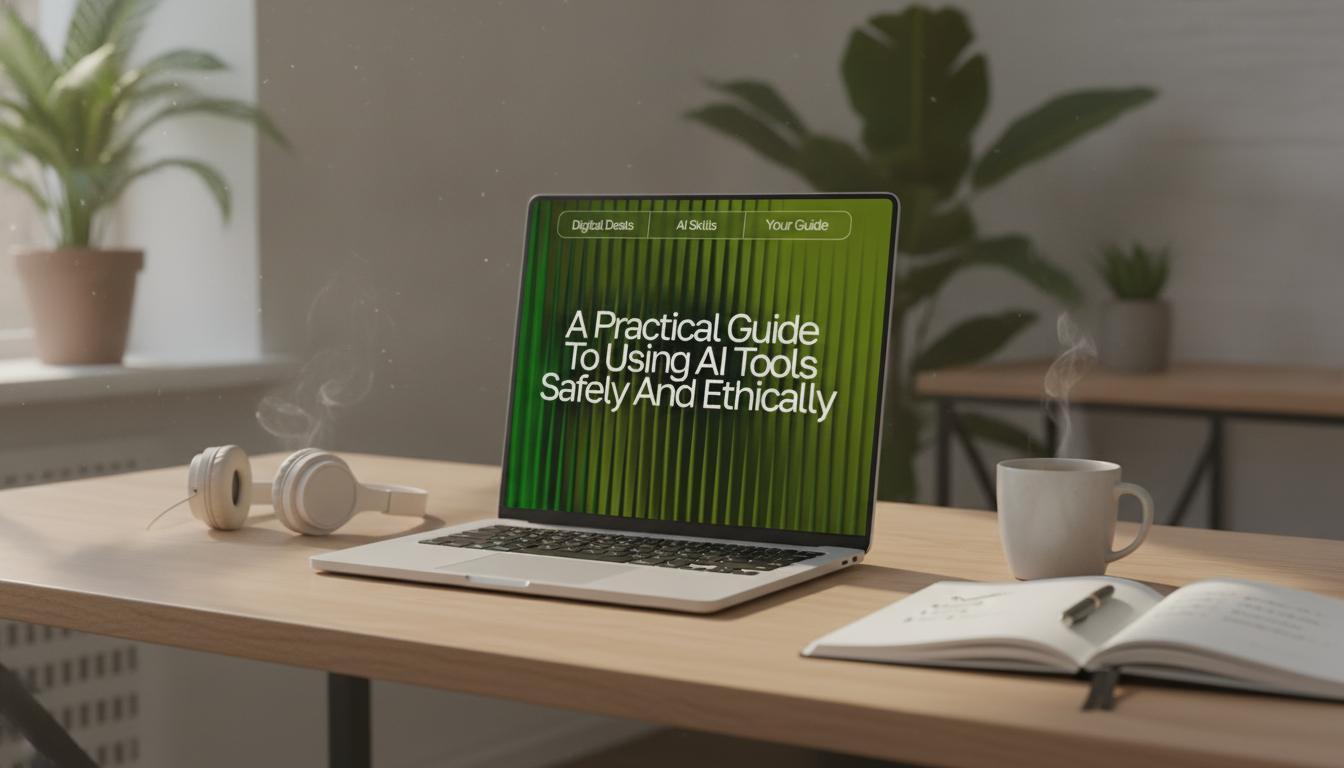
A Practical Guide to Using AI Tools Safely and Ethically (Beginner-Friendly Digital Download)
AI tools can save time and unlock creativity, but they also raise real risks around privacy, accuracy, bias, and ownership. A few simple habits can keep everyday work trustworthy and respectful—without needing a technical background. The goal is practical: use AI for drafting, organizing, and brainstorming while protecting people’s data, avoiding deception, and staying accountable for what you publish or submit.
What “safe and ethical” use looks like in everyday AI work
“Safe” use focuses on protecting personal data, accounts, devices, and sensitive business information. “Ethical” use focuses on preventing harm, respecting creators, and avoiding misleading or manipulative outcomes. The most reliable approach combines both—plus a clear decision that a human remains responsible for final outputs.
- Safety: limit sensitive inputs and secure accounts (especially when using browser extensions or third-party apps).
- Ethics: avoid deception, respect copyright and consent, and consider downstream impact on real people.
- Accountability: keep a human in the loop for high-stakes topics (health, legal, financial).
- Transparency: label AI assistance when it matters for school policies, workplace rules, client deliverables, or public trust.
- Proportionality: use the least intrusive tool and the smallest amount of data needed to get the job done.
Common AI tasks and the safest ethical default
| Task | Safer input | Risk to watch | Best practice |
|---|---|---|---|
| Summarizing notes | Remove names, IDs, and client details | Accidental disclosure | Use placeholders; keep originals offline |
| Drafting emails | Context without private details | Over-sharing or wrong tone | Edit manually; verify facts and commitments |
| Studying / tutoring | General questions, not exam answers | Academic integrity | Use for explanations; cite sources; follow school rules |
| Creating images | Original concepts and owned references | Copyright/likeness issues | Avoid living artists’ styles; avoid real-person likeness without permission |
| Customer support replies | Template info, no sensitive customer data | Privacy violations | Mask PII; route edge cases to humans |
Start with boundaries: what not to enter into AI tools
A strong default is simple: don’t paste anything you wouldn’t want stored, shared, leaked, or reused. That includes personal, confidential, or identifying details—even if the request feels “harmless.”
- Personal identifiers: full name + address, government IDs, passport numbers, exact birth date, bank details.
- Authentication info: passwords, recovery codes, API keys, private links to cloud files.
- Sensitive health or legal details that could identify a person.
- Confidential business information: contracts, unreleased plans, proprietary code, client lists.
- Anything damaging if public or potentially retained for training.
- Redact and use placeholders (example: “Client_A”, “Project_X”, “$BUDGET”) before pasting text.
Privacy and data settings to check before relying on a tool
Before uploading text or files, take 60 seconds to review how the tool handles your data. Many tools offer controls, but the defaults can vary widely.
- Look for data retention and training controls (opt out where possible).
- Confirm whether chats/files are stored, for how long, and whether data is shared with third parties.
- Prefer tools that support workspace or enterprise controls for team use.
- Avoid uploading entire documents when only a small excerpt is needed.
- Use separate accounts for personal vs. work contexts; enable multi-factor authentication.
For broader, well-recognized guidance on managing AI risks, review the NIST AI Risk Management Framework and the OECD AI Principles.
Accuracy basics: treat outputs as drafts, not truth
AI can sound confident while being wrong. The safest mindset is to treat every output as a first draft—useful for speed, never a substitute for checking.
- Assume errors are possible even when the answer reads smoothly.
- Verify names, dates, statistics, and quotes using reliable sources.
- For medical, legal, or financial topics, use AI to generate questions and summaries—not final advice.
- Ask for sources, but independently confirm them (fabricated citations can occur).
- Keep a simple routine: cross-check critical claims with two trusted references.
For consumer protection and responsible automated decision-making considerations, the FTC’s guidance on AI and automated decision-making is a practical reference point.
Fairness and bias: reduce harm in language and decisions
Bias can show up as stereotypes, missing context, or one-sided framing. Even when unintentional, it can cause real harm—especially when AI outputs influence decisions about people.
- Watch for stereotypes, unfair generalizations, and loaded wording.
- Avoid using AI as the sole filter for hiring, lending, housing, or discipline decisions.
- When writing about groups of people, prioritize respectful, specific, non-stigmatizing language.
- Request multiple perspectives and counterexamples to pressure-test conclusions.
- When uncertain, consult domain experts or established guidelines.
Ownership, permission, and attribution: keep creative work clean
A simple “safe use” workflow beginners can follow
Digital downloads to build better AI habits
- A Practical Guide to Using AI Tools Safely and Ethically (digital download) — beginner-friendly rules for privacy, accuracy checks, fairness, and responsible sharing.
- Your AI-Powered Daily Boost Checklist — a simple structure for planning, prioritizing, and keeping daily routines on track.
- Using AI to Organize Your Child’s Day with Ease — practical guidance for building kid-friendly schedules while staying mindful about privacy and boundaries.
FAQ
Is it safe to paste work documents into an AI tool?
It depends on how sensitive the document is, what your company policy allows, and whether the tool stores or uses your content for training. When in doubt, redact identifying details, paste only the smallest relevant excerpt, and avoid confidential material unless explicitly approved.
How can AI be used ethically for school or learning?
Use AI for explanations, examples, practice questions, and feedback, not as a substitute for submitting original work. Follow your school’s academic integrity rules, and cite sources when required.
What’s the fastest way to check if an AI answer is reliable?
Confirm the key facts with two trustworthy sources and double-check any numbers, names, or quotes. Treat the output as a draft—especially for high-stakes topics—and don’t rely on citations without verifying them.












Leave a comment