AI Routine Planner for Kids: Easy Daily Schedules
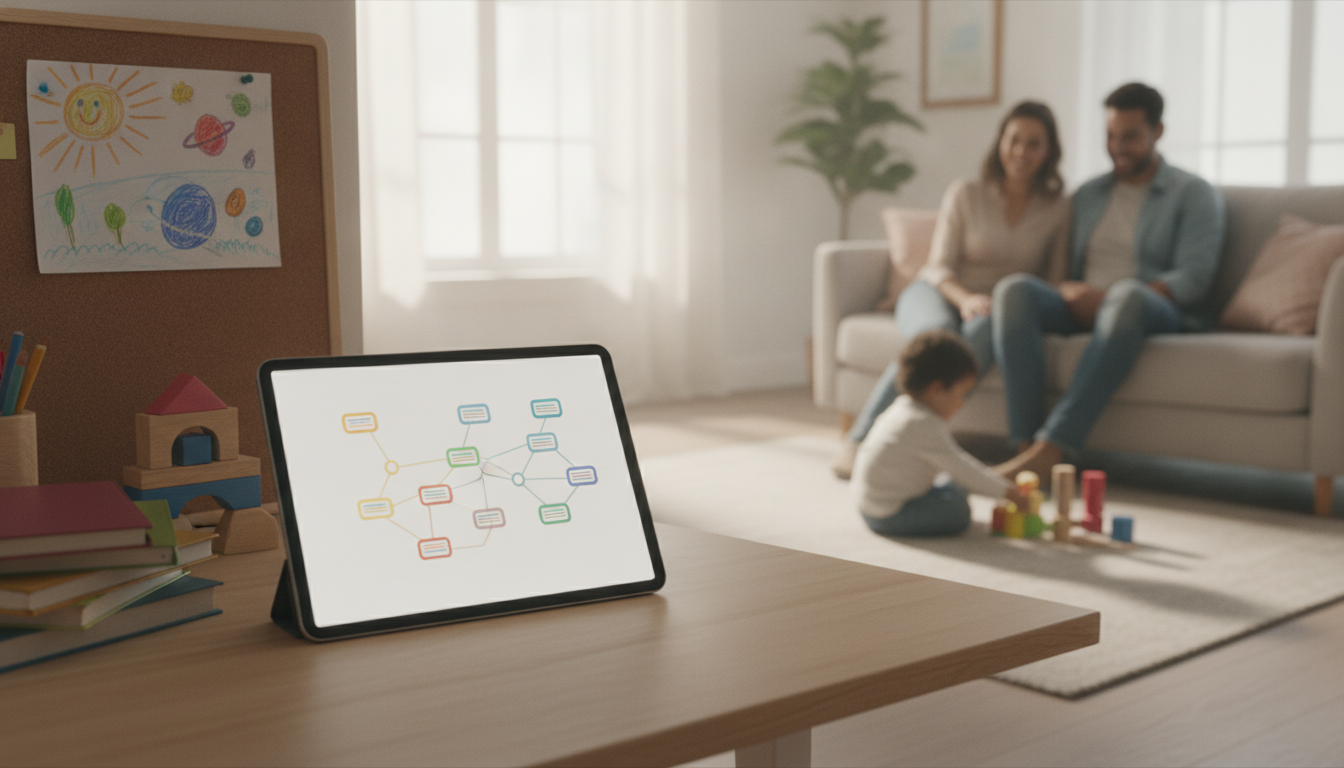
Using AI to Organize Your Child’s Day with Ease: A Smart Routine Planner for Busy Families
A predictable day helps kids feel secure, reduces daily negotiation, and frees up mental space for parents. With a simple AI-assisted routine planner, families can turn scattered commitments—school times, activities, homework, meals, and wind-down—into a clear schedule that adjusts when life changes. The goal is not perfection; it’s a workable rhythm that fits a child’s age, temperament, and household constraints.
What a “smart routine” looks like for real families
A “smart routine” isn’t a rigid minute-by-minute script. It’s a sequence of repeatable blocks—morning, after-school, evening—where each block has a clear start cue and a short list of steps that most days feel doable. The most effective plans balance structure (what happens) with flexibility (how long it takes on hard days).
Start with anchors first: wake time, school start/end, meals, bedtime, and transportation windows. Then build around energy patterns—high-focus tasks earlier, calmer tasks later—and add buffer time after transitions. Finally, keep the routine visible and measurable: a one-page schedule on the fridge, a checklist by the door, or a weekly plan posted in the same place.
| Block | Purpose | Typical steps (examples) | Built-in buffer |
|---|---|---|---|
| Morning | Start the day without rushing | Wake, bathroom, dress, breakfast, pack bag, shoes/coat | 10–15 minutes for slow starts |
| After school | Transition + recovery | Snack, decompression, quick check-in, activity/transport | 20 minutes before homework |
| Homework/learning | Focused work with clear finish | Set timer, 1–3 tasks, short breaks, pack completed work | 5 minutes between tasks |
| Evening | Family flow + preparation | Dinner, tidy, bath/shower, clothes for tomorrow, reading | 10 minutes for delays |
| Bedtime | Wind down and protect sleep | Screens off, calm activity, teeth, lights out | Consistent start time; same sequence |
Set up an AI helper: information to gather before planning
AI works best when it has the same “at-a-glance” context a helpful co-parent or caregiver would want. Gather weekly constraints (school hours, commute time, pickup/drop-off responsibilities, and fixed appointments). List non-negotiables like bedtime range, meal times, medication needs, therapy sessions, and important family commitments.
Next, identify your child’s support needs: attention span, sensory breaks, anxiety triggers, and transitions that tend to cause conflict. Define what “success” means for the next seven days—fewer morning arguments, homework finished by a certain time, a calmer bedtime, or fewer forgotten items. Then choose a format your household will actually use (printable schedule, phone note, shared calendar, or a fridge checklist). A plan that lives where you look is the plan that gets followed.
How to turn a busy week into a kid-friendly daily plan (AI-assisted workflow)
1) Provide anchors first
Give wake time, school start/end, meals, activities, bedtime, plus realistic travel time. Anchors prevent the routine from collapsing the first time a practice runs late.
2) Add short sequences for transitions
Create a checklist for each “handoff”: morning leaving the house, after-school arriving home, and bedtime. Keep steps simple enough to follow even when everyone is tired.
3) Insert buffers on purpose
Protect at least 10–20% of the schedule for delays, snacks, and emotional resets. This is where routines succeed or fail—especially after school and before bed.
4) Limit steps to match age and bandwidth
Younger kids often do best with 3–7 steps per block; older kids can handle more detail, but still benefit from a clear “start” and “done.”
5) Ask for two versions
6) Create a one-page output
7) Review with your child for buy-in
| Need | What to provide | What to request back |
|---|---|---|
| Smoother mornings | Wake time, school start, commute, morning pain points | A 30–60 minute morning sequence with a buffer and a simple checklist |
| Homework without meltdowns | Assignment load, attention span, preferred breaks | A time-boxed plan with short breaks and a clear “done” definition |
| Earlier bedtime | Current bedtime, screen habits, calming activities | A step-by-step wind-down routine with cues and a consistent start time |
| Two-household consistency | Shared custody schedule, differing rules, key non-negotiables | A baseline routine that stays consistent across homes with flexible elements |
Make the plan stick: cues, rewards, and gentle accountability
For sleep and screen habits, align routines with trusted guidance like American Academy of Pediatrics resources on HealthyChildren.org and practical sleep hygiene tips from the CDC sleep guidance. Clear boundaries are easier to follow when they’re consistent and predictable.
Age-based adjustments (preschool to teen) without rebuilding everything
Privacy and safety: using AI responsibly with family information
Digital download routine planner: a ready-to-use way to implement the schedule
- Using AI to Organize Your Child’s Day with Ease (digital routine planner) for a practical, family-friendly structure you can print or fill in each week.
- Your AI-Powered Daily Boost Checklist to track energy patterns and spot the best windows for homework, chores, or downtime.
FAQ
What information should be shared with an AI tool when planning a child’s schedule?
Share anchors and constraints (wake time, school hours, commute estimates, activities), your child’s age, attention span, and the transitions that usually go poorly. Avoid identifying details like full names, exact addresses, and school identifiers.
How can a routine stay consistent when the week changes often?
Keep anchors stable and build modular blocks you can shorten or extend depending on the day. Maintain buffers, use a “typical day” and “rough day” version, and do a quick nightly setup plus a short weekly review.
How do you get a child to follow the routine without constant reminders?
Use cues (visual schedule, timers), small choices, and “when-then” language, plus simple rewards and responsibility checkpoints. Involving your child in choosing parts of the plan increases buy-in and reduces repeated prompting.












Leave a comment